
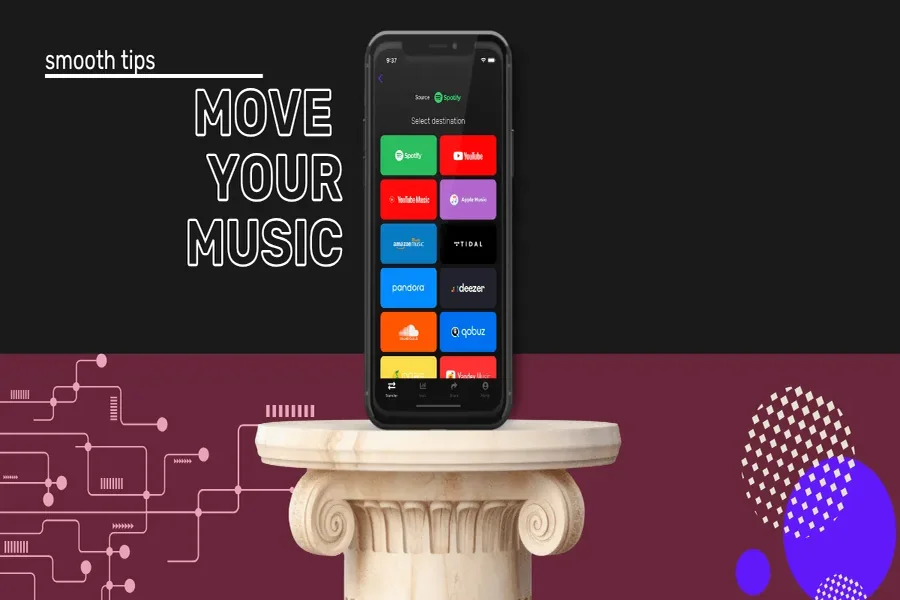
In a world where music streaming is the norm, many of us juggle multiple apps—each offering its own features and extensive libraries. Transferring playlists between these services can often feel intimidating, but it doesn’t have to be. With tools like FreeYourMusic, we can simplify the process and keep our favourite tracks together no matter where we listen. In this guide, we’ll explore why playlist transfers are useful, the common challenges we might face, and the most effective methods to ensure a smooth, hassle-free transition—whether we’re moving from Spotify to Apple Music or any other platform.
Understanding Playlist Transfers
Why Transfer Playlists?
In our digital music journey, it’s common to discover new platforms and reshuffle our favourite songs into different playlists. Whether it’s to enjoy a better user interface, explore exclusive content, or take advantage of unique features, the desire to transfer playlists often arises. Sometimes, we may even fall in love with a specific artist’s music available on one platform but find our main playlist on another. Essentially, transferring playlists allows us to curate our musical experience to suit our evolving tastes.
Common Challenges in Playlist Transfers
But, transferring playlists isn’t always straightforward. We often encounter issues such as:
- Compatibility Problems: Not all platforms support the same file formats or metadata.
- Song Availability: Some songs may not be available on the target platform.
- Time-Consuming Process: Manual transfers can be laborious and lengthy, especially for large playlists.
Recognising these challenges early on equips us to tackle them effectively.
Methods to Transfer Playlists
Using Third-Party Apps
One of the most efficient ways to transfer playlists is by using third-party applications designed specifically for this purpose. Services like Soundiiz, TuneMyMusic, or MusConv allow us to connect multiple music accounts, making the transfer process seamless. Here’s how we typically go about it:
- Create an Account: Sign up for an account on your chosen platform.
- Connect Your Music Accounts: Allow the app to access your existing music services.
- Select Playlists for Transfer: Choose the playlists we want to move and select the target platform.
- Begin the Transfer Process: Initiate the transfer, and the app will handle the rest, including resolving compatibility issues.
This method is not only efficient but also helps us overcome individual app limitations.
Manual Transfer: The Step-by-Step Approach
If we prefer to keep things simple or want to avoid using third-party services, a manual transfer is an option. Here’s a step-by-step method:
- Open your Original Playlist: Start by opening your playlist on the original app.
- List down Songs: Write down the songs or, for a more hi-tech option, take screenshots.
- Search on the Target Platform: Open the target app and search for each song individually.
- Create New Playlist: Once found, compile your songs into a new playlist on the new app.
While this method is definitely more time-consuming, it allows us to curate exactly what we want in our playlists.
Utilising Built-in Features of Music Apps
Some platforms have recognised the need for easier playlist transfers and offer built-in features that can help us migrate our music. For example, Apple Music allows users to import their Spotify playlists directly using its ‘Import Playlist’ feature. Similarly, services like YouTube Music offer similar functionalities. We just need to check if the apps we are using have such capabilities. Often, a quick tutorial or help article can guide us through the built-in process.
Tips for Successful Playlist Transfers
Ensuring Compatibility Between Platforms
Before we jump into transferring our playlists, it’s crucial to consider compatibility. We should:
- Check Supported Formats: Different apps may have various ways of storing data.
- Look for Similarities in Features: Some platforms have unique features (like crossfade or song ratings) that may not carry over.
Understanding these aspects helps us prepare for any song unavailability or formatting issues.
Maintaining Playlist Integrity
To preserve our playlist’s quality, we want to ensure:
- Double-Check Song Availability: Make sure our favourite tracks are available on the new platform.
- Take Note of Song Order: If the order matters to us, be certain to replicate this in the new playlist.
- Curate Wisely: Consider if some songs no longer fit our current musical taste. This could be an opportunity for a fun refresh.
By being diligent in these areas, we can craft a playlist that not only reflects our past preferences but is also aligned with our current mood and taste.
Conclusion
Transferring playlists across music apps doesn’t have to be a challenging job. Whether we choose to use a third-party app, manually curate our playlists, or take advantage of built-in features, understanding the nuances of the process can simplify our experience. As we navigate the world of music streaming, we should embrace the journey of discovery, whether that means exploring new apps or refreshing our existing playlists. Eventually, it’s all about creating a soundscape that resonates with us. Happy listening.
